



Focus, shake and the main subject
The sharpest part at 100%, with a focus map, camera shake, and whether the subject itself is sharp, not just the wall behind it.
Focus, shake, noise, size and more — checked the way a reviewer would, automatically and Free
Up to 100 photos a day, free. Sign up in one click with Google.
 Likely rejected
One of our photos, exported too small on purpose to show the size check.
or drop them here
JPEG, PNG, TIFF or WebP, full size · or paste with Ctrl+V
No photo?
Try one of these:
Every photo gets a verdict, what was found and where, how it looks at 100% — and how to fix it.
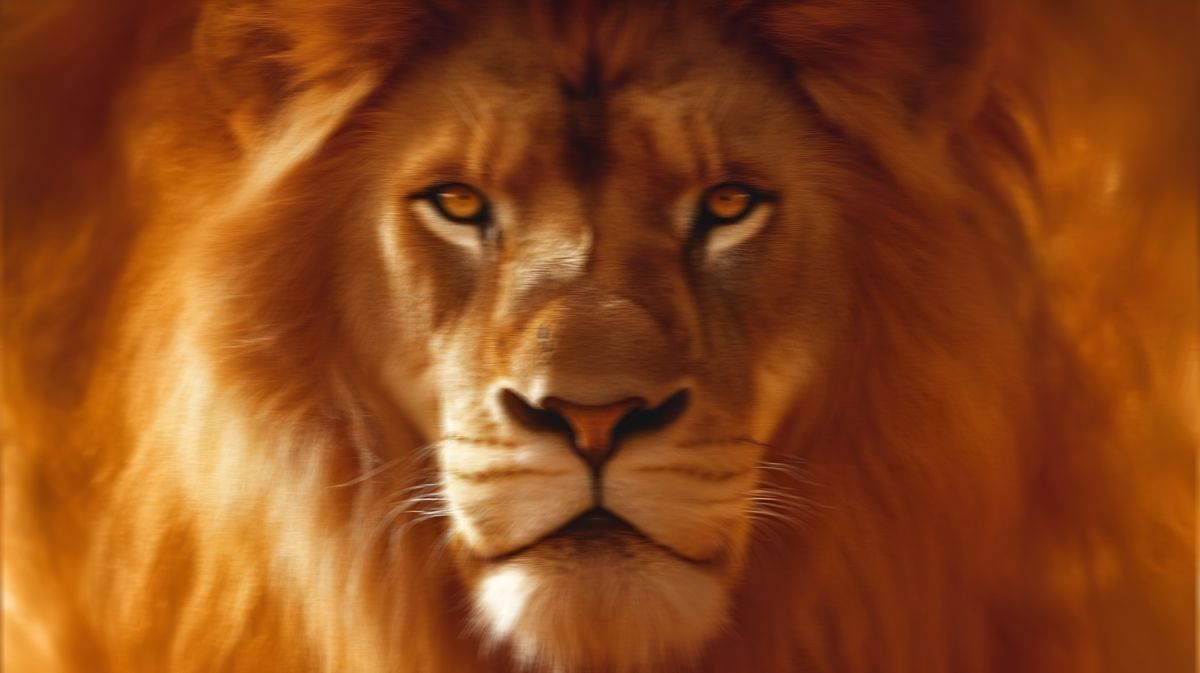
One of our own stock photos, with the camera shake added on purpose. The findings are the checker's real output for this picture at full size.
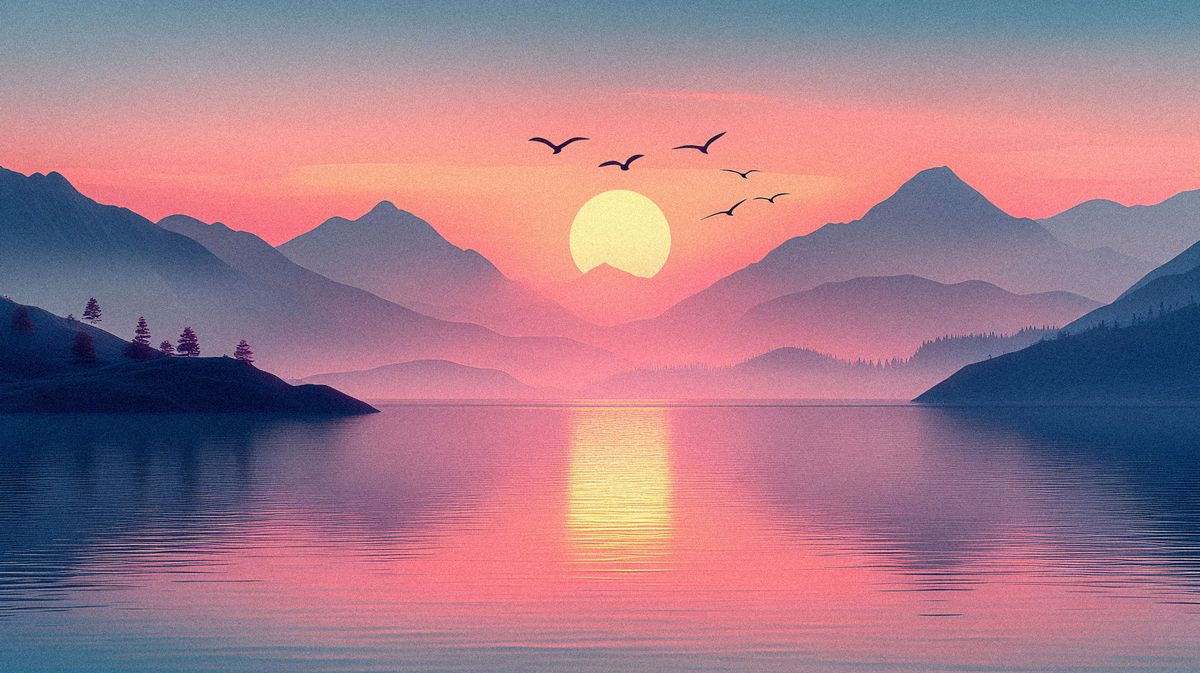
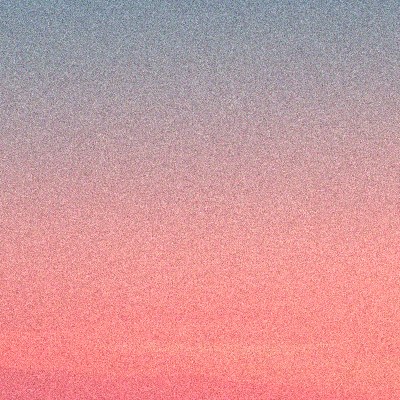
One of our own stock photos, with the noise added on purpose. The findings are the checker's real output for this picture at full size.
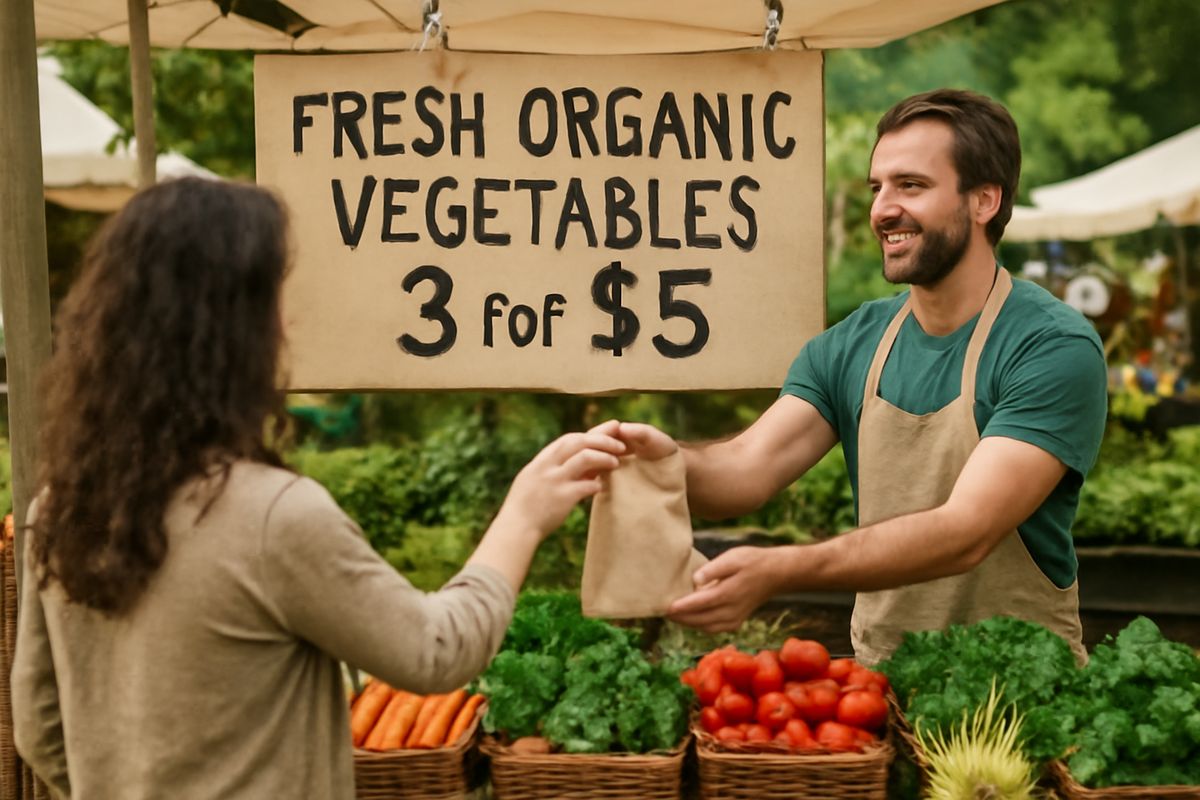
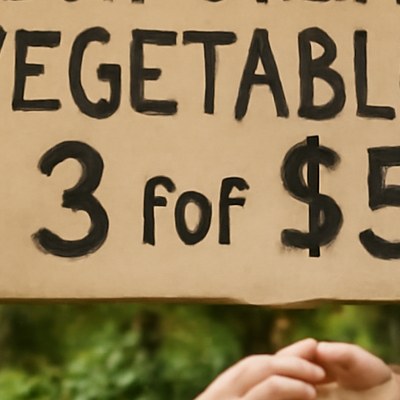
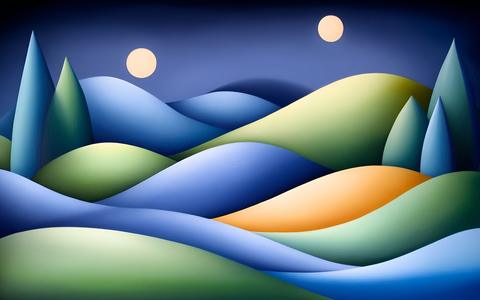
An AI-generated test picture, checked as it came out of the generator. The findings are the checker's real output for this picture.
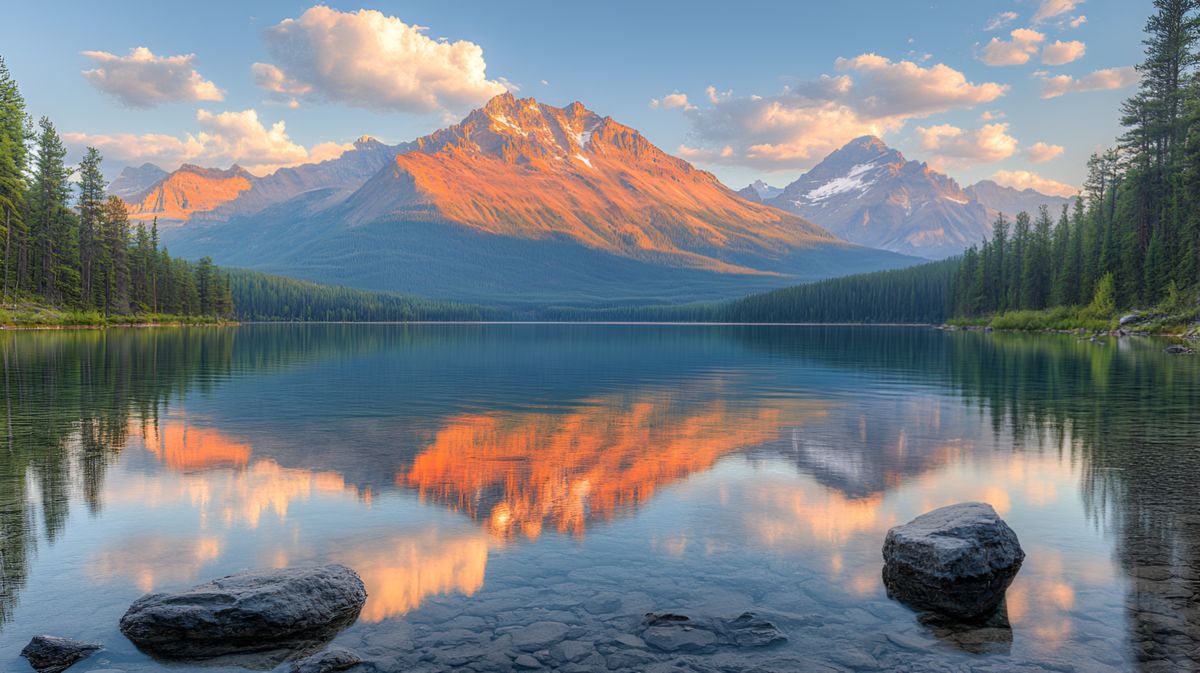
One of our own stock photos, as submitted. The findings are the checker's real output for this picture at full size.
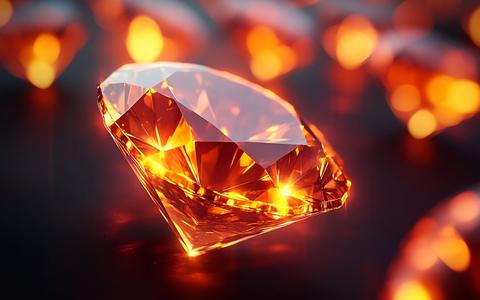
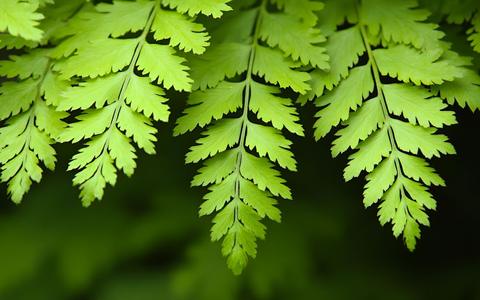
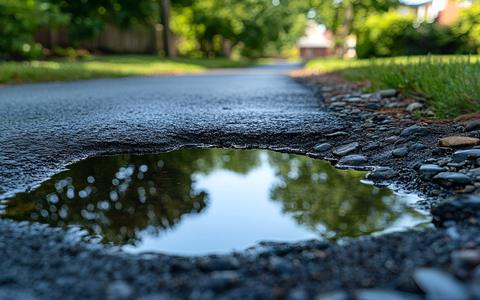
These are our own stock photos — every one went through Stock Photo Checker before it went on this page.



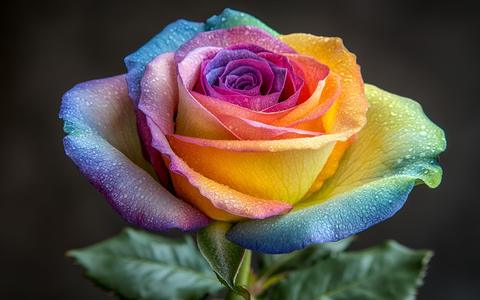

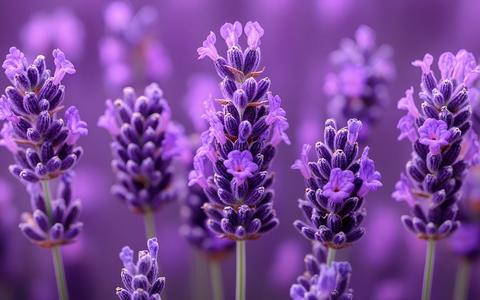
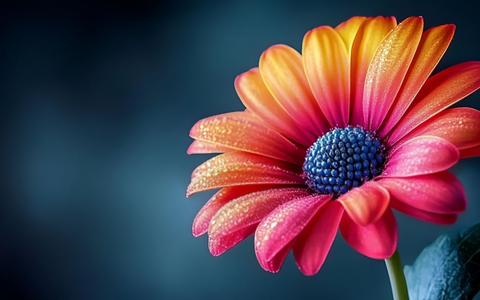
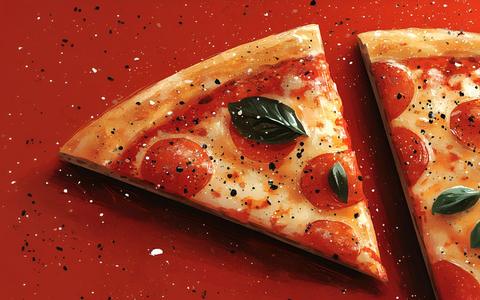
The reasons agencies give most often, measured from the pixels at full size.
The sharpest part at 100%, with a focus map, camera shake, and whether the subject itself is sharp, not just the wall behind it.

Noise in smooth areas and shadows, blown highlights, crushed shadows, flat contrast, and whether the subject is well exposed.
At least 4 megapixels, JPEG quality and format, the sRGB colour profile agencies ask for, and a level horizon.

Copies of your other photos, and similar frames of one scene grouped side by side, with the sharpest recommended.
Brand names in embedded keywords, too many or repeated keywords, and titles that are just the file name.
Logos, brand names and people or property that need a release; and for AI images, garbled text, malformed hands and impossible objects.
Upload the whole burst. The checker groups near-identical frames and recommends the one with the sharpest main subject — so you submit only your best and reject the rest in a click. These are our own photos; the softer frames are copies, and every score below is the checker's real measurement.
Group 1 · 3 photos · recommended DSC_0052.JPG: the sharpest main subject (14% sharper than the next)
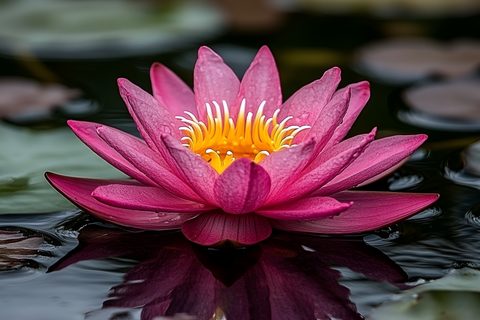
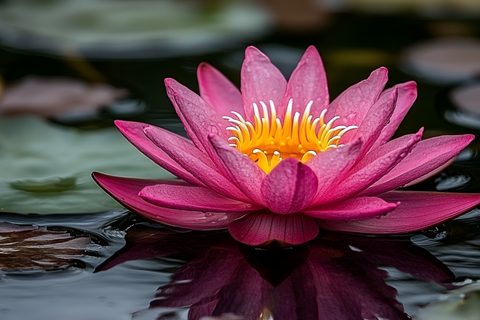
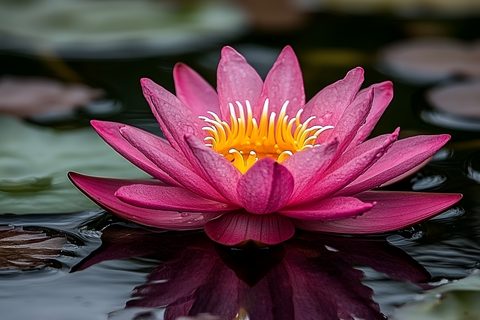
Group 2 · 3 photos · recommended DSC_0068.JPG: the sharpest main subject (12% sharper than the next)
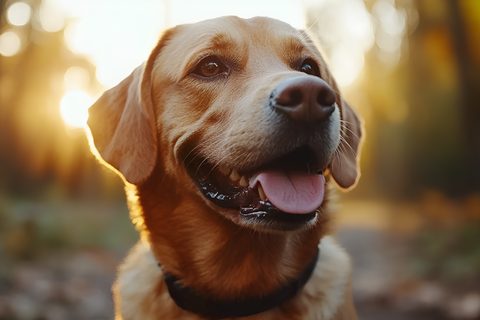
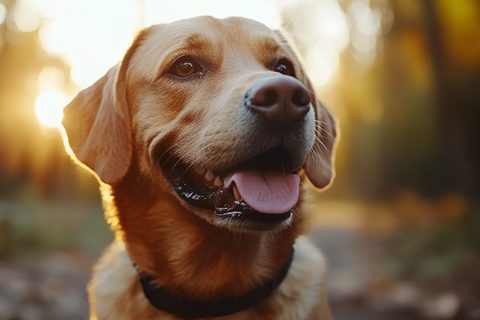
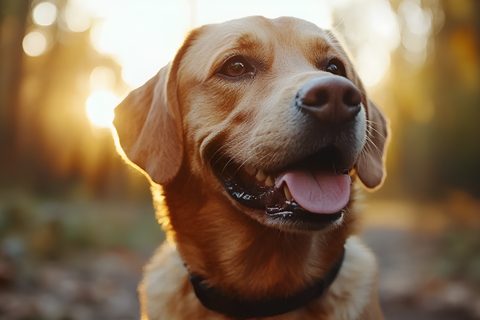
Group 3 · 3 photos · recommended DSC_0107.JPG: the sharpest main subject (12% sharper than the next)
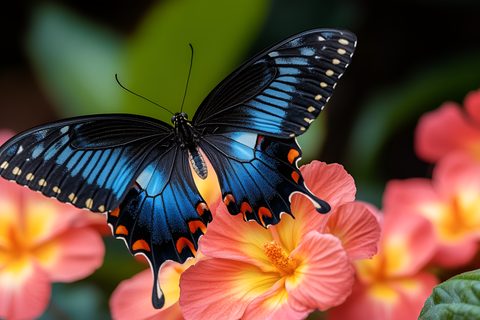
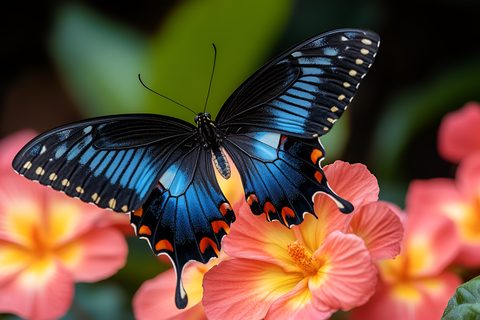
Each original is deleted as soon as it has been checked; the report keeps a reduced preview and the findings until you delete the album. Every check runs on our own server, and your photos are never sent to an outside service. No adverts and no tracking. Privacy
The technical checks above are free, for up to 100 photos a day. The AI checks use credits, sold in one-off packs from $9.99: no subscription, and credits never expire. During early access the AI checks are open to invited accounts.
Find out what a reviewer would reject — before they do.
or drop them here
JPEG, PNG, TIFF or WebP, full size · or paste with Ctrl+V